

Manage Node Pools
Node pools are the building blocks of your Kubernetes cluster's compute capacity. Each pool is a group of identically configured worker nodes that can be independently managed, scaled, and configured.
Understand node pools
A node pool defines:
| Property | Description |
|---|---|
name | Unique identifier within the cluster |
region / zone | Where the worker VMs are provisioned |
size | Number of replicas (0-10) |
computeProfile | CPU and memory configuration per node |
taints | Kubernetes scheduling constraints |
Every node in a pool gets the same compute profile, runs in the same zone, and has the same taints applied. If you need nodes with different configurations, create separate pools.
Common node pool strategies:
- Single pool: simple clusters with uniform nodes. Good for getting started.
- General + specialized: a general-purpose pool for most workloads plus specialized pools (e.g. high-memory, GPU) for specific needs.
- Multi-zone: separate pools in different zones for availability. If one zone goes down, the other pool's nodes keep running.
Configure taints
Taints allow you to control which pods can be scheduled on specific nodes. Each taint has three parts:
- key: a label key (e.g.
"workload-type","gpu","dedicated"). - value: a label value (e.g.
"batch","nvidia-a100","team-data"). - effect: what happens to pods that do not tolerate the taint:
NoSchedule: pods without a matching toleration are not scheduled on the node.PreferNoSchedule: the scheduler tries to avoid the node but will use it if no alternatives exist.NoExecute: existing pods without a toleration are evicted, and new pods are not scheduled.
Taints are defined at the node pool level and applied to all nodes in the pool. To schedule pods on tainted nodes, add matching tolerations to your pod specs.
Example: a pool for GPU workloads only:
# Node pool taint
key: "gpu"
value: "nvidia-a100"
effect: NoSchedule
# Pod toleration (in your workload spec)
tolerations:
  - key: "gpu"
    value: "nvidia-a100"
    effect: "NoSchedule"
Monitor pool status
Each node pool tracks its health through several status fields. Navigate to the cluster's detail page to see all pools and their nodes.
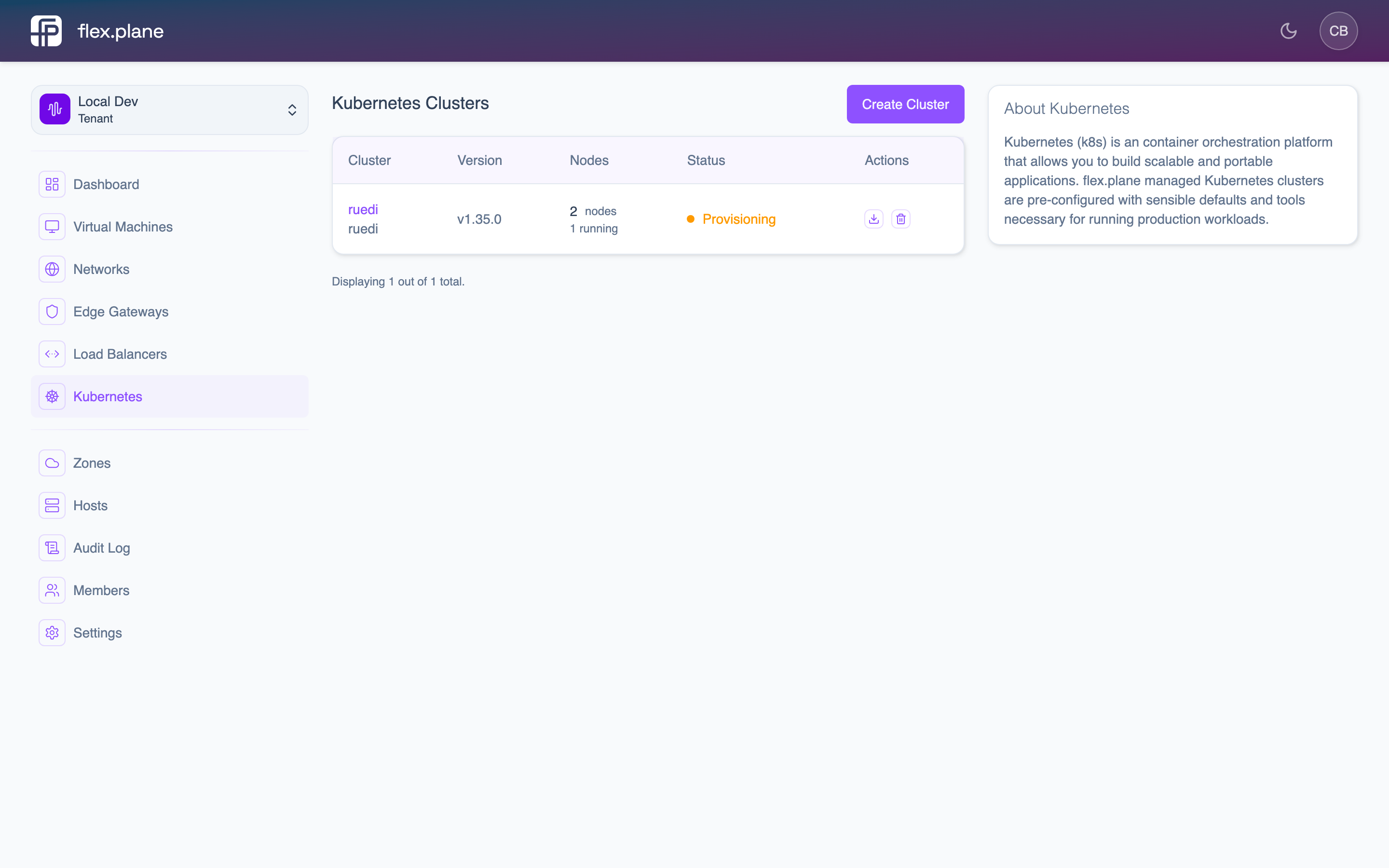 The cluster detail page displays node pools with their size, status, ready replicas, and individual node health.
Key indicators:
readyReplicas: number of nodes that are healthy and ready to accept pods. This should matchsizewhen the pool is stable.updatedReplicas: number of nodes running the latest configuration. During updates, this may differ fromsize.unavailableReplicas: number of nodes that are not ready. If this is greater than 0, something needs attention.
Each node also links back to its underlying VM, so you can inspect the VM's status, resource usage, and host placement directly from the Kubernetes view.
unavailableReplicas stays greater than 0 for an extended period, check the node's state.reason and the underlying VM's status. Common causes include VM boot failures, network issues, or resource exhaustion on the host.