

Scale a VM
Scaling a VM in flex.plane means switching its compute profile, the predefined combination of CPU cores and memory. Instead of manually tweaking individual values, you pick a different profile and the platform applies the change.
Understand scaling
Compute profiles are the building blocks of VM sizing. Each profile defines a fixed CPU and memory combination:
| Profile | vCPUs | Memory |
|---|---|---|
| Small | 2 | 4 GB |
| Medium | 4 | 8 GB |
| Large | 8 | 16 GB |
When you scale a VM, the new compute profile takes effect after a restart. The VM keeps its disks, network interfaces, IP addresses, and all other configuration. Only CPU and memory change.
Scale via the portal
Navigate to your VM's detail page and open the Scale dialog. Select a new compute profile from the available options and confirm the change. The portal will prompt you to restart the VM to apply the new resources.
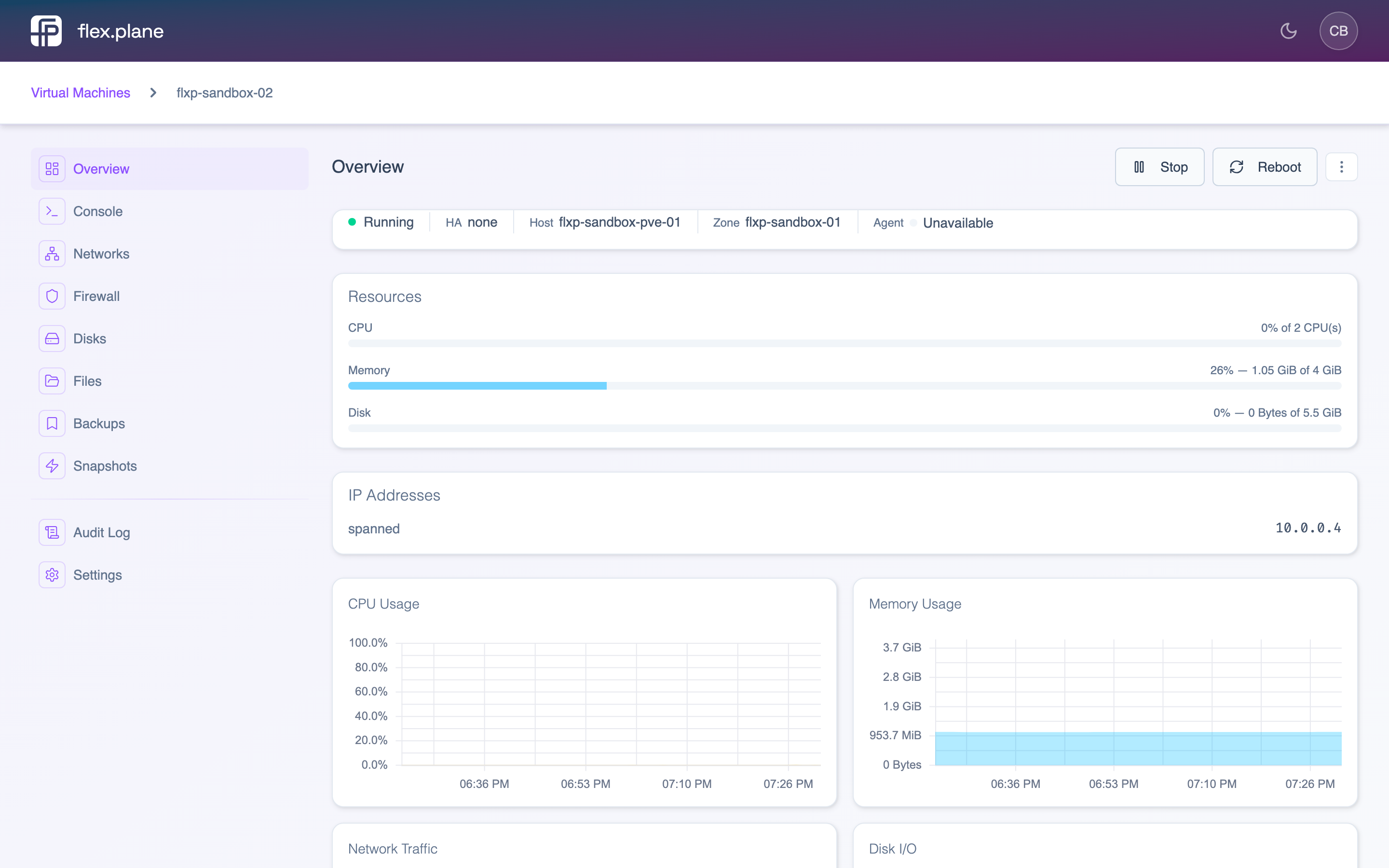 The VM detail page provides an overview of the machine's resources, network interfaces, and management tabs for disks, snapshots, backups, firewall, and more.