

Manage VDC Members
Each Virtual Datacenter has its own member list. Members are users from your identity provider (Zitadel) who have been granted access to a specific VDC with a defined role. Managing members requires the VDC_ADMIN role.
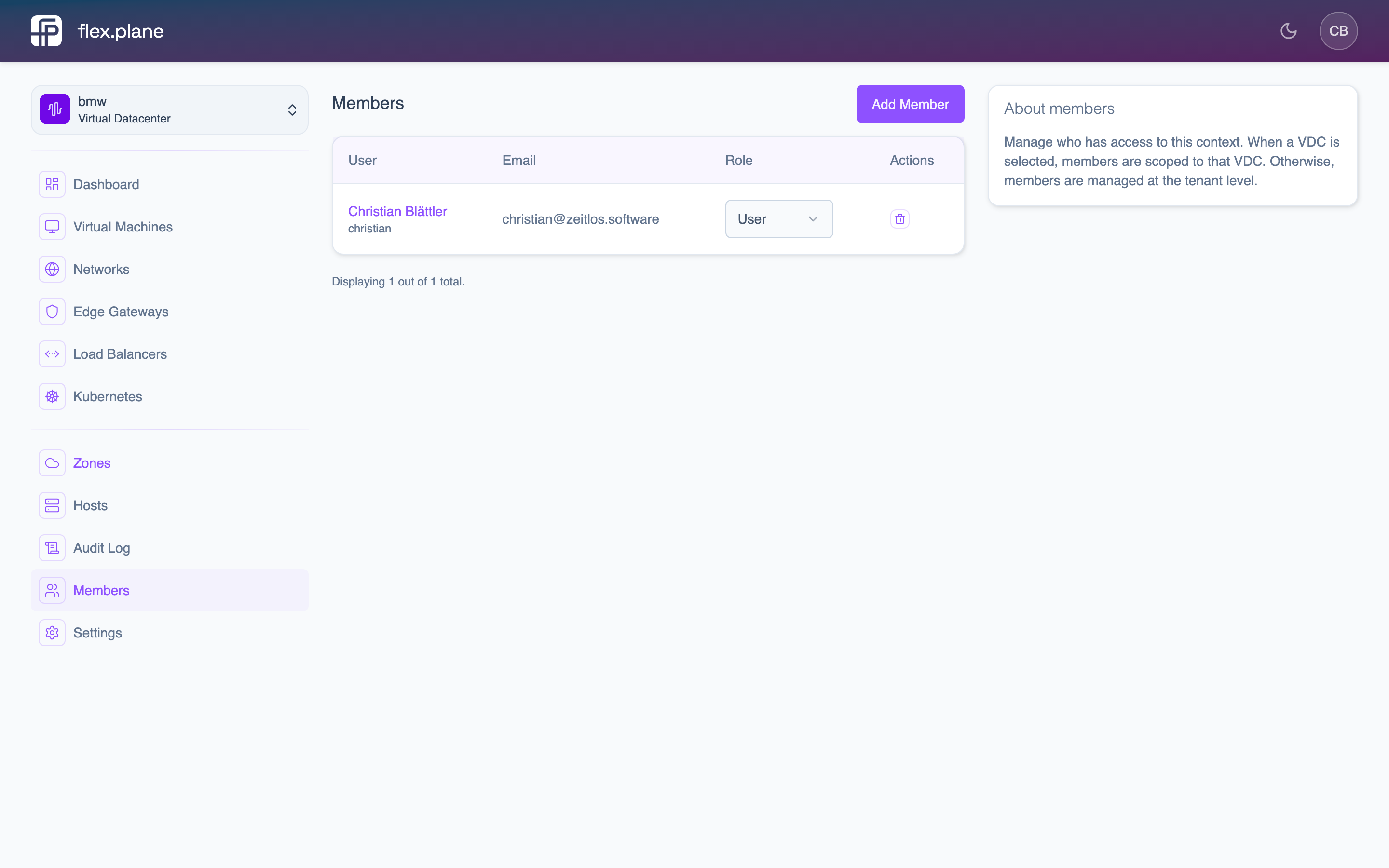 The Members page lists all users with access to the current VDC, showing their name, email, role, and actions to modify or remove them.
Add a member
To add a user to a VDC, you need their user account and the role you want to assign.
Roles:
| Role | Capabilities |
|---|---|
USER | View and manage VMs, networks, and load balancers within the VDC. |
ADMIN | Everything a USER can do, plus manage VDC members and configure the edge gateway firewall. |
In the portal:
- Navigate to Members within the VDC.
- Click Add Member.
- Select a user from the list of available users.
- Choose the role (
USERorADMIN). - Click Add.
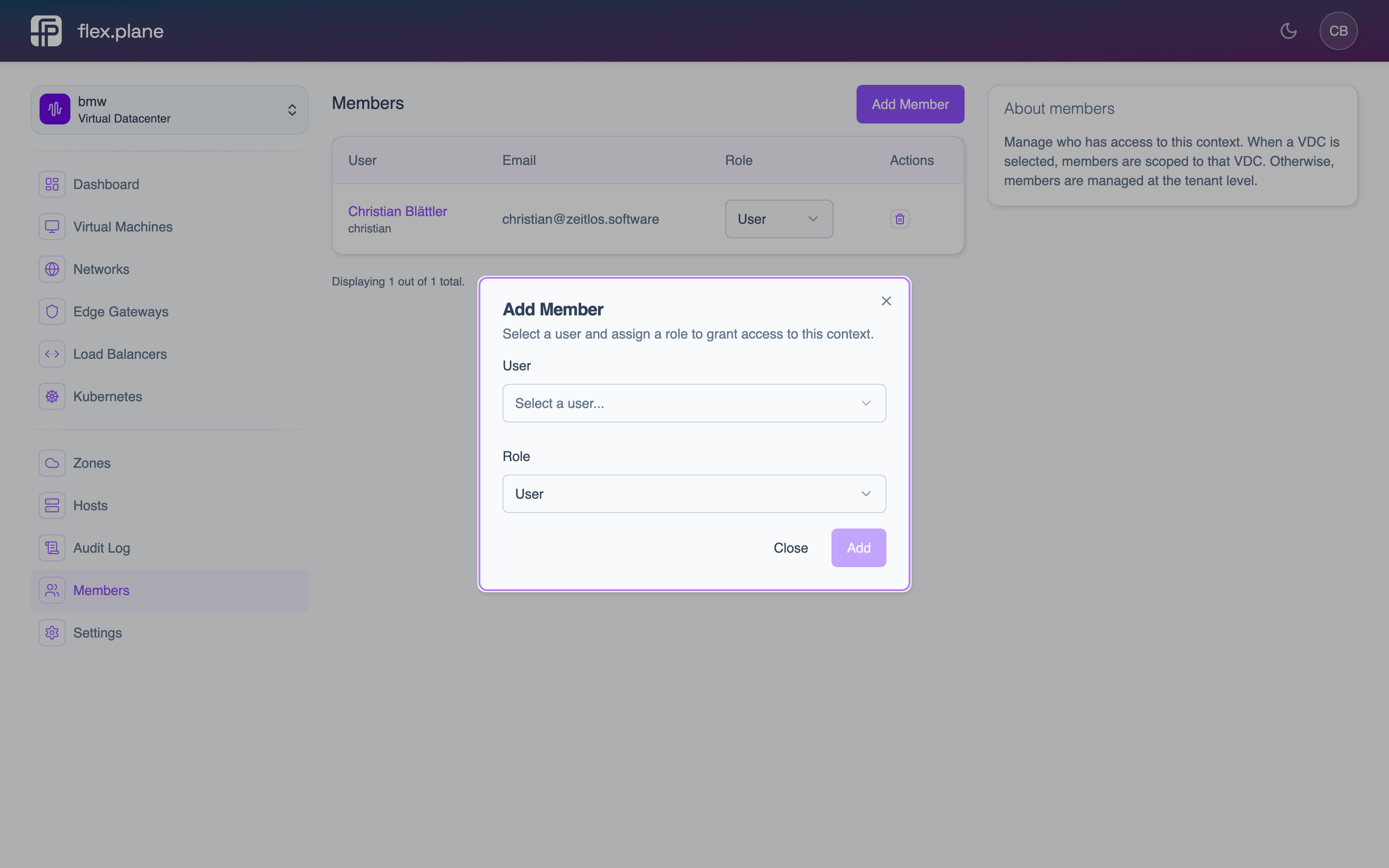 The Add Member form lets you search for users and assign them a role in the VDC.
Update a member's role
To change a member's role, use the role dropdown next to their name in the Members list and select the new role. This is useful when promoting a team member to VDC admin or revoking admin privileges without removing them from the VDC entirely.
Remove a member
To remove a user from the VDC, click the delete icon next to their entry in the Members list. The user immediately loses access to all resources in the VDC. Their VMs and other resources remain intact. Only the access is revoked.
ADMIN from a VDC means no one can manage its membership anymore. A platform-level ADMIN can still access the VDC, but consider this carefully before removing admin members.