

Scale a Cluster
Scaling a Kubernetes cluster in flex.plane means changing the size of its node pools. You can add nodes to handle more load, remove nodes to save resources, or reconfigure pools entirely.
Scale up
To add worker nodes, navigate to the cluster's detail page and adjust the node pool sizes. The scale operation is declarative — you specify the desired state of all node pools, and the platform reconciles to match.
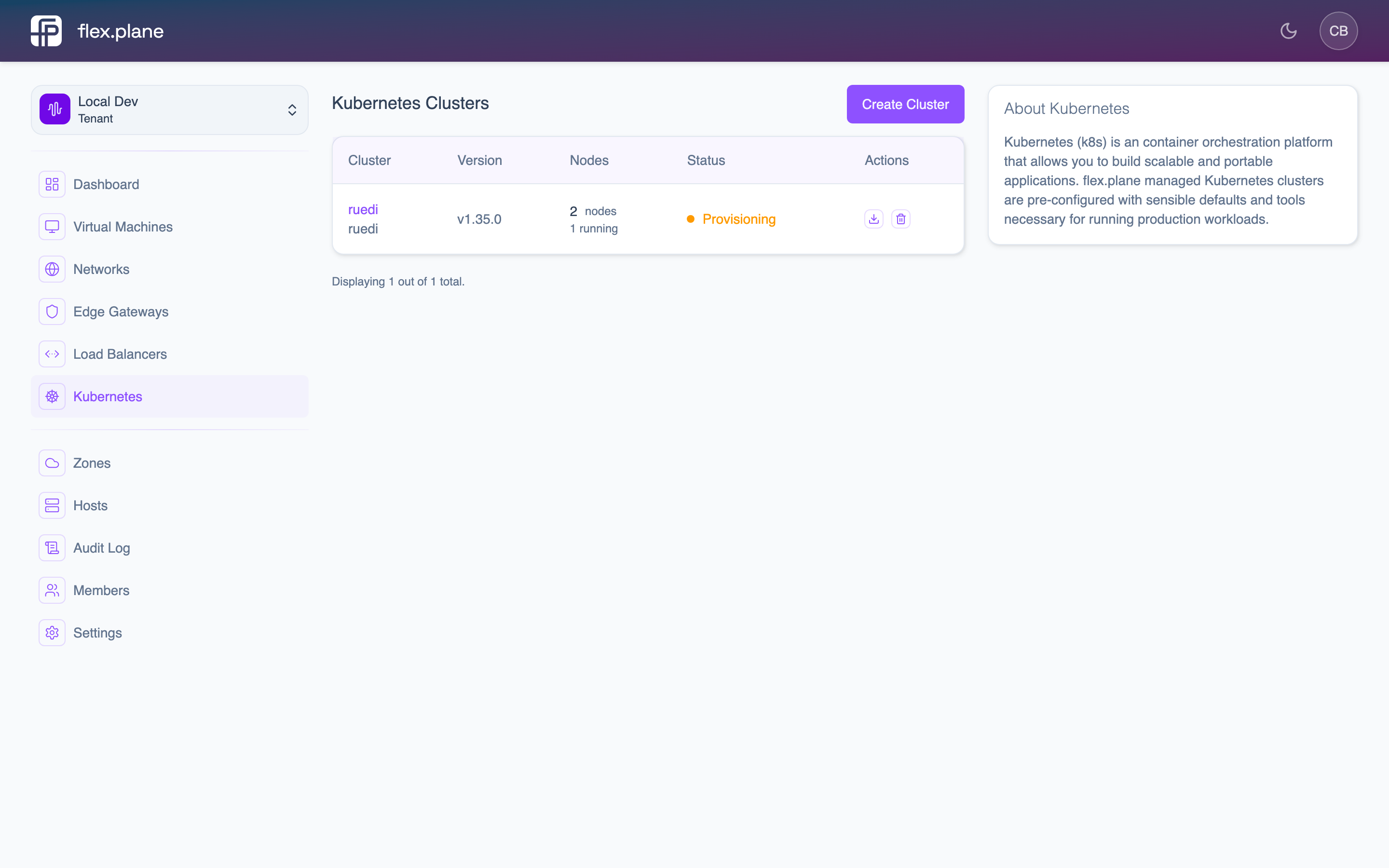 The cluster detail page shows each node pool with its current size, status, and individual nodes.
New nodes are provisioned as VMs, boot up, install Kubernetes components, and join the cluster. The process typically takes a few minutes per node.
nodePools array. This is how you expand into new zones or add pools with different compute profiles.Scale down
To remove nodes, decrease the size of the node pool. The platform gracefully drains and removes the excess nodes.
When scaling down:
- The platform selects which nodes to remove.
- Selected nodes are cordoned (no new pods scheduled).
- Existing pods are drained (gracefully evicted).
- The underlying VMs are deleted.
To remove a node pool entirely, simply omit it from the nodePools array in the next scale operation.
Monitor scaling progress
After a scale operation, the cluster enters the Scaling state. Monitor progress on the cluster detail page.
Scaling is complete when:
- The cluster state returns to
Running. - Each pool's
readyReplicasmatches itssize. unavailableReplicasis 0.
state.reason fields. Common issues include insufficient host capacity in the target zone, storage provisioning failures, or network configuration problems.