

Platform Administration
Update Agents
Keep the flexplane-agent up to date across nodes.
The flexplane-agent runs on every Proxmox node in your fleet. When a new version is available, you can trigger updates remotely from the portal or the API. No need to SSH into each node.
Check for updates
Navigate to Platform > Hosts in the portal. Each host shows its current agent version and whether an update is available.
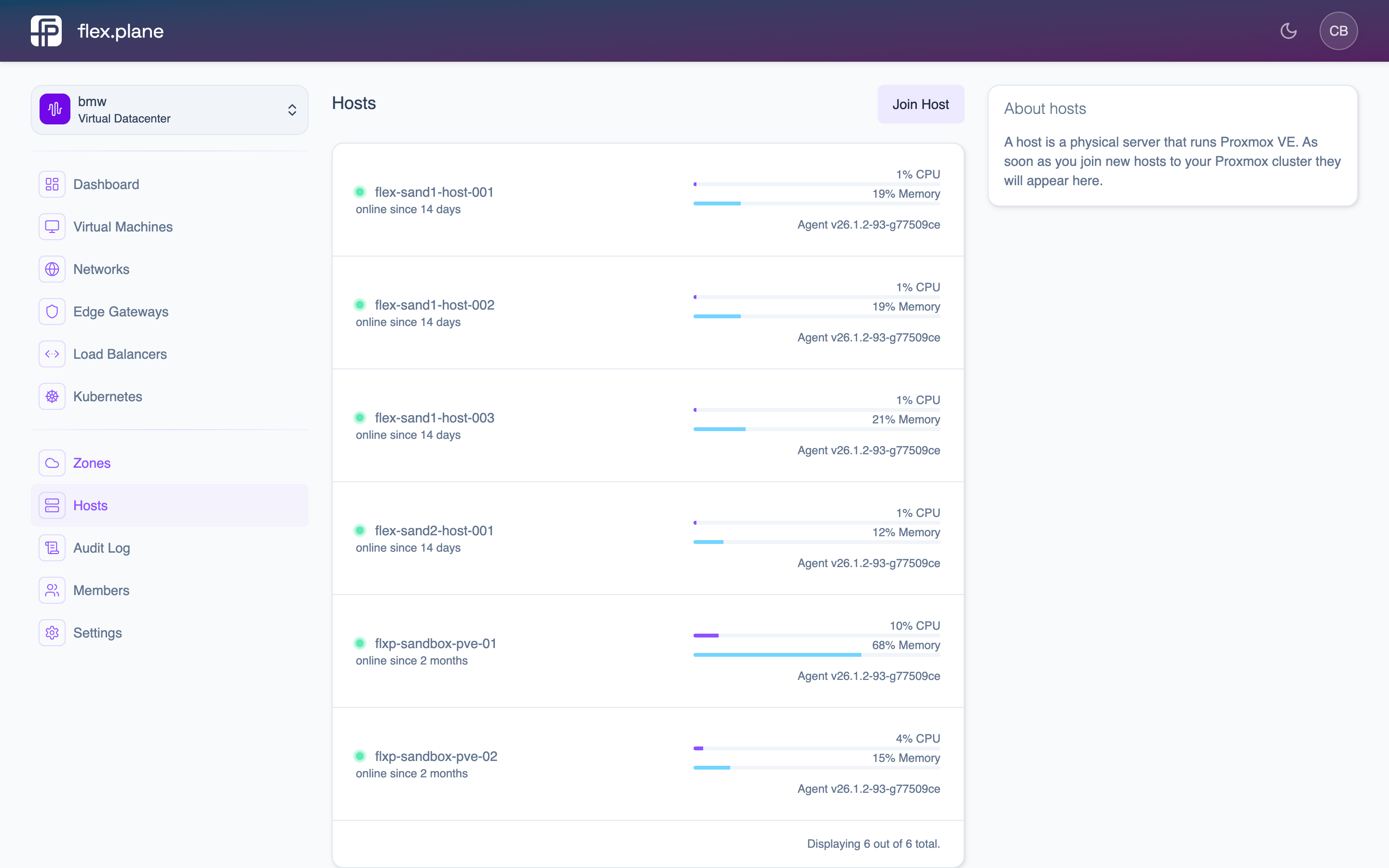 The Hosts page shows the agent version for each node. Hosts with available updates display an update indicator.
| Field | Description |
|---|---|
version | The currently running agent version. |
updateAvailable | true if a newer version exists. |
availableVersions | List of versions you can update to. |
Check for agent updates after deploying a new version of the platform. Agent and orchestrator versions should stay reasonably close to avoid compatibility issues.
Trigger an update
To update a specific host's agent to a target version:
Via the portal:
- Navigate to Platform > Hosts.
- Find the host with an available update.
- Click the Update button.
- Select the target version from the available versions.
- Confirm the update.
The update process:
- The orchestrator sends the update command to the agent over the mesh network.
- The agent downloads the new binary.
- The agent restarts itself with the new version.
- The host reports its updated version on the next status check.
Agent updates cause a brief interruption in the agent's proxy function (a few seconds while it restarts). Running VMs are not affected. They continue operating normally. Only new API requests to that node will be briefly delayed until the agent is back.
If an update fails, the agent rolls back to its previous version. Check the agent logs on the affected node for details:
journalctl -u flexplane-agent -f
Updating agents requires the ADMIN role.