

Create a Virtual Datacenter
A Virtual Datacenter (VDC) is a logically isolated environment within your flex.plane deployment. Each VDC has its own networks, resource quotas, member list, and edge gateway. VDCs are how you carve up shared infrastructure into separate tenant environments.
Creating a VDC requires the ADMIN role.
Define the VDC
Every VDC needs two identifiers:
| Parameter | Constraints | Example |
|---|---|---|
| ID | Max 8 characters, hostname-safe (lowercase letters, numbers, hyphens). Must be unique. | acme |
| Name | A human-readable display name. | Acme Corporation |
The ID is used internally for scoping and appears in system identifiers. Keep it short. It is embedded in hostnames, network names, and resource labels throughout the platform. You cannot change it after creation.
The name is what users see in the portal's VDC switcher and can be more descriptive.
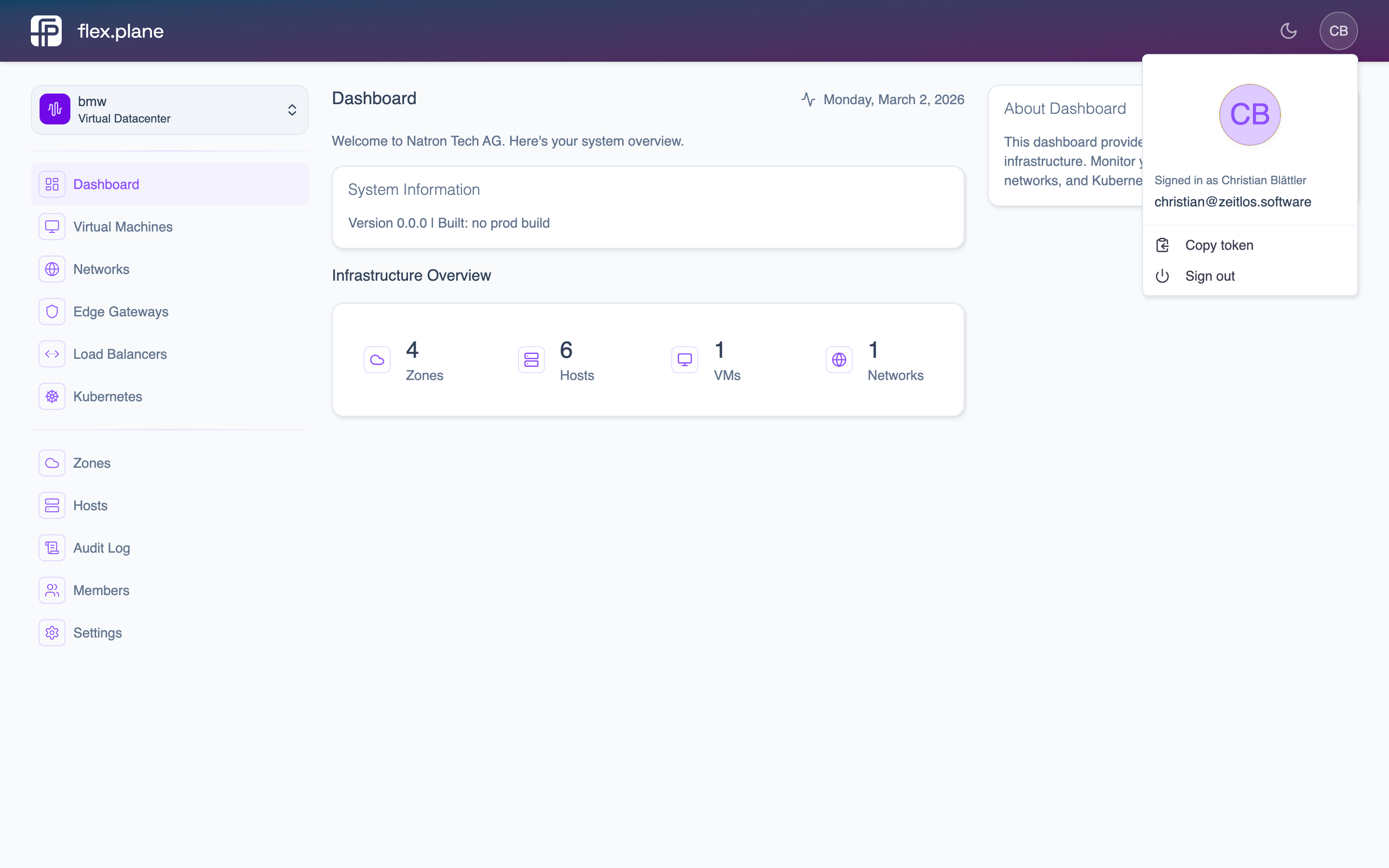 The VDC switcher in the sidebar lets users switch between Virtual Datacenters they have access to.
Set resource quotas
Quotas enforce hard limits on how much compute a VDC can consume. They are optional but strongly recommended for multi-tenant deployments.
| Quota | Description |
|---|---|
maxVCPU | Maximum number of virtual CPU cores across all VMs in the VDC. |
maxMemory | Maximum total memory across all VMs. Specified as a human-readable string (e.g., "16 GiB"). |
When a user in the VDC tries to create or resize a VM that would exceed the quota, the request is rejected with a clear error message.
For more details on how quotas work and how to monitor usage against them, see Resource Quotas.
Create the VDC
In the portal, navigate to the VDC management section (requires ADMIN role) and click Create Virtual Datacenter. Enter the ID, name, and optional quota, then click Create.
The VDC is ready immediately. An edge gateway is provisioned automatically, and the VDC appears in the VDC switcher for any members you add.
Delete a VDC
To delete a VDC, select it in the management interface and confirm deletion.